

 bpaeducators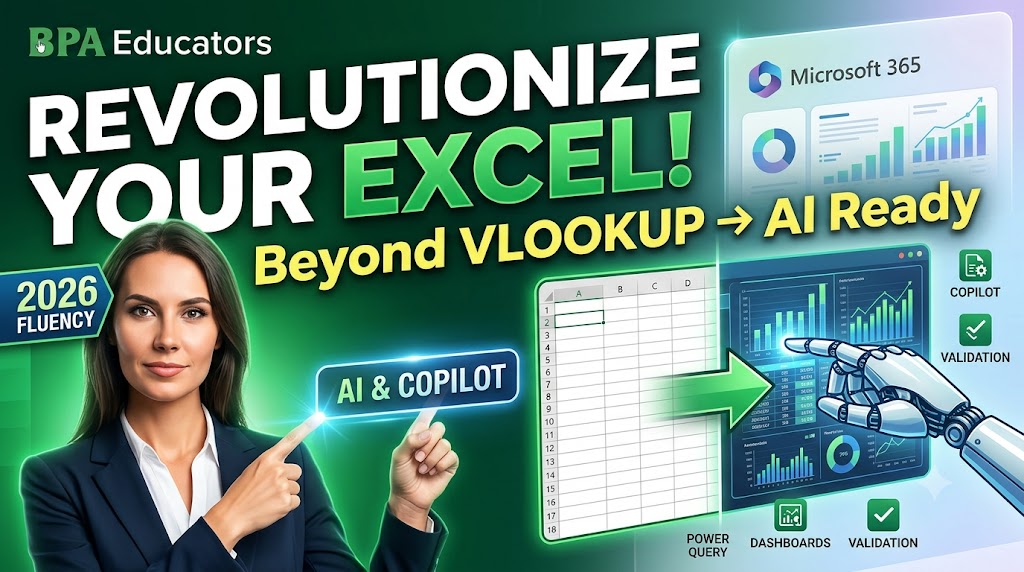
Beyond the VLOOKUP: Why Excel Fluency Requires Copilot and AI Add-ins
For more than two decades, Excel expertise was measured by how well someone knew formulas such as VLOOKUP, IF, SUMIFS, INDEX-MATCH, Pivot Tables, and conditional formatting. These skills remain essential, but they are no longer sufficient on their own.
In 2026, organizations expect professionals to combine traditional Excel knowledge with artificial intelligence. Microsoft Copilot, AI add-ins, Power Query, and business intelligence tools are changing how reports are prepared, how dashboards are built, and how business decisions are made.
Why Excel Is Changing
Businesses generate millions of records every day. Instead of spending hours cleaning data or writing repetitive formulas, professionals increasingly use AI to automate repetitive work while they focus on interpreting results and making decisions.
| Traditional Excel | Modern Excel |
|---|---|
| Manual formula writing | AI-assisted formula generation |
| Manual report creation | Natural-language report generation |
| Finding errors manually | AI-assisted anomaly detection |
| Hours of repetitive work | Automation with validation |
What is Microsoft Copilot?
Microsoft Copilot is Microsoft’s AI assistant integrated into Microsoft 365. Inside Excel it can explain formulas, generate summaries, build charts, answer questions about datasets, suggest trends, and accelerate analysis using natural language prompts.
Popular AI Add-ins for Excel
- Microsoft Copilot
- ChatGPT integrations
- Power Query
- Power BI
- Python in Excel
- AI-powered data cleaning tools
Why VLOOKUP Alone Is Not Enough
VLOOKUP is still useful, but employers increasingly prefer candidates who understand XLOOKUP, dynamic arrays, Power Query, dashboards, data visualization, and AI-assisted workflows.
Human + AI Workflow
- Import raw business data.
- Clean and standardize the dataset.
- Ask AI to summarize patterns.
- Validate formulas and calculations.
- Create dashboards and management reports.
- Present business recommendations.
Skills Every Excel Professional Should Learn
- Advanced Excel
- XLOOKUP
- Power Query
- Pivot Tables
- Dashboard Creation
- Microsoft Copilot
- Data Visualization
- Business Storytelling
Career Opportunities
| Role | Where AI + Excel Helps |
|---|---|
| MIS Executive | Automated reporting |
| Accountant | Financial analysis |
| Business Analyst | Decision support |
| HR Executive | Workforce analytics |
| Operations Executive | KPI tracking |
Common Mistakes
- Blindly trusting AI output.
- Ignoring data quality.
- Skipping Excel fundamentals.
- Not validating business assumptions.
Frequently Asked Questions
Will AI replace Excel?
No. AI makes Excel more productive but cannot replace business judgment.
Should beginners learn formulas first?
Yes. Strong fundamentals make AI significantly more useful.
Is Copilot useful for students?
Yes. It accelerates learning, explains formulas, and helps understand datasets.
Key Takeaways
- Excel fundamentals remain essential.
- AI tools improve productivity.
- Critical thinking is more valuable than memorizing formulas.
- The future belongs to professionals who combine Excel with AI.
Free Learning Resources
Microsoft Excel Training Excel Playlist BPA Educators Book Demo Class
Build Future-Ready Excel Skills
Master Advanced Excel, AI-assisted reporting, dashboards, MIS reporting, and business analytics with BPA Educators.